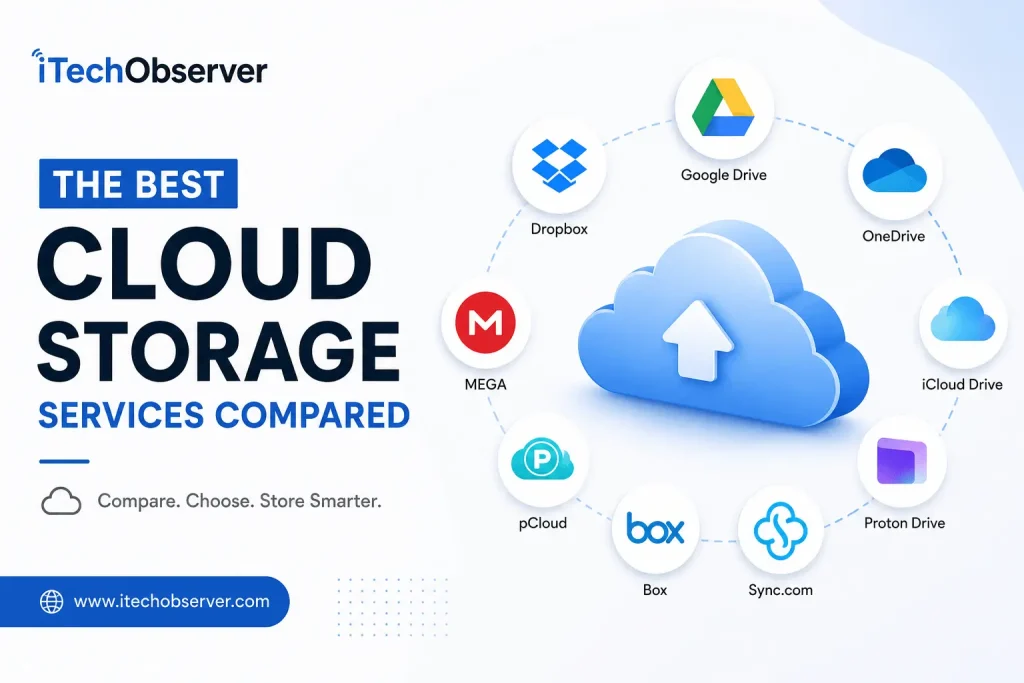
The Best Cloud Storage Services Compared (2026 Guide)
Cloud storage has become an essential part of modern digital life. Whether you’re storing family photos, collaborating on work documents, backing up important files, or sharing large media projects, choosing the right cloud storage service can save you time, money, and frustration.
With so many options available—including Google Drive, Dropbox, Microsoft OneDrive, Apple iCloud Drive, Proton Drive, Sync.com, and pCloud—it can be difficult to know which one best suits your needs.
In this guide, we’ll compare the best cloud storage services in 2026 based on storage capacity, pricing, security, collaboration features, ease of use, platform compatibility, and overall value.
Quick Comparison Table
| Cloud Storage | Free Storage | Best For | End-to-End Encryption | Starting Paid Plan |
|---|---|---|---|---|
| Google Drive | 15 GB | General users | No | $1.99/month |
| Dropbox | 2 GB | Team collaboration | No | $11.99/month |
| Microsoft OneDrive | 5 GB | Windows users | Personal Vault only | $1.99/month |
| Apple iCloud Drive | 5 GB | Apple ecosystem | Advanced Data Protection | $0.99/month |
| Proton Drive | 5 GB | Privacy | Yes | $4.99/month |
| Sync.com | 5 GB | Security | Yes | $8/month |
| pCloud | 10 GB | Lifetime plans | Optional | $49.99/year |
How We Evaluated These Cloud Storage Services
To make this comparison fair, we evaluated each service based on the following factors:
- Storage capacity
- Free plan value
- Pricing
- File synchronization speed
- Security and privacy
- Collaboration features
- Cross-platform compatibility
- Backup capabilities
- Mobile apps
- Overall value for money
1. Google Drive — Best Overall Cloud Storage
Best For
Students, professionals, freelancers, and everyday users.
Key Features
- 15 GB free storage
- Excellent Google Workspace integration
- Docs, Sheets, and Slides collaboration
- AI-powered search
- Automatic photo backup
- File version history
- Offline access
Pros
- Generous free storage
- Excellent collaboration tools
- Easy sharing
- Available on every platform
- Fast synchronization
Cons
- No end-to-end encryption
- Shared storage across Gmail and Google Photos
Pricing
| Plan | Storage | Monthly Price |
|---|---|---|
| Free | 15 GB | Free |
| Basic | 100 GB | US$1.99/month |
| Premium | 2 TB | US$9.99/month |
| Premium Plus | 5 TB+ | US$19.99/month |
Why Choose Google Drive?
If you regularly use Gmail, Google Docs, or Android devices, Google Drive remains one of the most convenient and feature-rich cloud storage services available. Its seamless integration with the Google ecosystem makes file sharing and real-time collaboration effortless.
2. Dropbox — Best for File Sharing and Collaboration
Dropbox remains one of the most polished cloud storage platforms for businesses and teams.
Highlights
- Smart Sync
- Dropbox Paper
- Large file transfers
- Automatic backups
- Excellent third-party integrations
Pros
- Extremely reliable syncing
- Industry-leading collaboration
- Easy file recovery
- Great desktop application
Cons
- Only 2 GB free
- Expensive compared to competitors
Best For
- Marketing teams
- Designers
- Agencies
- Businesses
3. Microsoft OneDrive — Best for Windows Users
OneDrive is tightly integrated into Windows 11 and Microsoft 365, making it a natural choice for Windows users.
Features
- Built into Windows
- Microsoft Office integration
- Personal Vault
- Ransomware protection
- Automatic PC backup
Pros
- Great value with Microsoft 365
- Excellent Office collaboration
- Reliable syncing
- Strong security features
Cons
- Less intuitive sharing than Dropbox
- Limited free storage
Best For
- Windows users
- Office workers
- Microsoft 365 subscribers
4. Apple iCloud Drive — Best for Apple Users
If you own an iPhone, iPad, or Mac, iCloud Drive offers seamless integration across Apple’s ecosystem.
Features
- Automatic photo backup
- Device syncing
- iCloud Keychain
- Shared folders
- Family Sharing
Pros
- Native Apple integration
- Smooth synchronization
- Easy device backup
Cons
- Limited Android support
- Collaboration tools lag behind Google Drive
5. Proton Drive — Best for Privacy
Privacy-conscious users will appreciate Proton Drive’s end-to-end encryption and strong focus on security.
Features
- End-to-end encryption
- Zero-access encryption
- Secure file sharing
- Open-source security model
- Swiss privacy laws
Pros
- Outstanding privacy
- Excellent encryption
- User-friendly interface
Cons
- Fewer collaboration features
- Smaller ecosystem than Google or Microsoft
6. Sync.com — Best Secure Cloud Storage for Individuals and Businesses
If security is your top priority, Sync.com is one of the strongest cloud storage services available. It offers zero-knowledge, end-to-end encryption, meaning only you can access your files—not even Sync.com can read them.
Key Features
- End-to-end encryption by default
- Secure file sharing with passwords and expiry dates
- Automatic backup and sync
- File version history
- Remote device wipe
- Microsoft Office integration
Pros
- Excellent privacy protection
- User-friendly interface
- Strong compliance for business users
- Unlimited file size uploads (paid plans)
Cons
- Slower syncing compared to Google Drive
- Fewer third-party integrations
Best For
- Privacy-conscious users
- Legal professionals
- Healthcare organizations
- Small businesses
7. pCloud — Best for Lifetime Storage Plans
Unlike most cloud storage providers that require monthly subscriptions, pCloud offers lifetime plans, making it an attractive option for users who want a one-time payment.
Key Features
- Up to 10 GB free storage
- Optional client-side encryption (pCloud Encryption)
- Media streaming
- Automatic backups
- File versioning
- Cross-platform support
Pros
- Lifetime payment options
- Fast synchronization
- Excellent media playback
- Easy-to-use interface
Cons
- Encryption costs extra
- Collaboration tools aren’t as advanced as Google Drive
Best For
- Content creators
- Freelancers
- Long-term storage users
8. MEGA — Best Free Cloud Storage
MEGA has long been known for offering one of the most generous free storage plans while emphasizing privacy.
Key Features
- Large free storage allowance
- End-to-end encryption
- Secure chat
- File versioning
- Cross-platform apps
Pros
- Generous free plan
- Strong encryption
- Secure file sharing
- Easy backup options
Cons
- Transfer limits on free accounts
- Business collaboration tools are limited
Best For
- Students
- Personal users
- Budget-conscious users
9. Box — Best for Enterprise Collaboration
Box focuses on businesses that require advanced collaboration, workflow automation, and compliance features.
Key Features
- Enterprise-grade security
- Workflow automation
- Electronic signatures
- Advanced admin controls
- Microsoft 365 and Google Workspace integration
Pros
- Excellent business collaboration
- Strong compliance certifications
- Robust admin controls
- Scalable for enterprises
Cons
- Limited free storage
- Overkill for casual users
Best For
- Large organizations
- Enterprises
- IT administrators
Feature Comparison Table
| Feature | Google Drive | Dropbox | OneDrive | iCloud | Proton Drive | Sync.com | pCloud | MEGA | Box |
|---|---|---|---|---|---|---|---|---|---|
| Free Storage | 15 GB | 2 GB | 5 GB | 5 GB | 5 GB | 5 GB | 10 GB | Generous | Limited |
| End-to-End Encryption | No | No | Partial | Optional | Yes | Yes | Optional | Yes | No |
| Collaboration | Excellent | Excellent | Excellent | Good | Basic | Good | Basic | Basic | Excellent |
| File Sharing | Excellent | Excellent | Excellent | Good | Good | Excellent | Good | Good | Excellent |
| Mobile Apps | Excellent | Excellent | Excellent | Excellent | Excellent | Good | Excellent | Excellent | Excellent |
| Best For | Everyone | Teams | Windows | Apple | Privacy | Security | Lifetime Value | Free Storage | Business |
Which Cloud Storage Service Should You Choose?
Choosing the right cloud storage service depends on your priorities. Here’s a quick recommendation based on different use cases.
| If You Need… | Best Choice |
|---|---|
| Best Overall | Google Drive |
| Windows Integration | Microsoft OneDrive |
| Apple Devices | iCloud Drive |
| Team Collaboration | Dropbox |
| Maximum Privacy | Proton Drive |
| Secure File Sharing | Sync.com |
| One-Time Payment | pCloud |
| Largest Free Plan | MEGA |
| Enterprise Collaboration | Box |
Tips for Choosing the Right Cloud Storage
Before subscribing, consider these factors:
- Storage Requirements: Estimate how much space you’ll need for documents, photos, videos, and backups.
- Device Compatibility: Ensure the service supports all your devices and operating systems.
- Security: Look for end-to-end encryption if you’re storing sensitive information.
- Collaboration: Choose a platform with real-time editing and sharing features if you work with teams.
- Budget: Compare monthly, annual, and lifetime plans to find the best value.
- Backup Features: Automatic backups and version history can help protect against accidental data loss.
Final Verdict
There isn’t a one-size-fits-all cloud storage service. The best choice depends on your devices, workflow, and security needs.
- Google Drive remains the best all-around option for most users thanks to its generous free storage, excellent collaboration tools, and broad compatibility.
- Microsoft OneDrive is ideal for Windows users and Microsoft 365 subscribers.
- Apple iCloud Drive is the natural fit for those using Macs, iPhones, and iPads.
- Dropbox excels in file synchronization and teamwork.
- Proton Drive and Sync.com are excellent choices for privacy-focused users.
- pCloud is a standout for those who prefer a one-time payment over recurring subscriptions.
- MEGA offers one of the best free storage experiences.
- Box is built for enterprise-scale collaboration and compliance.
By evaluating your storage requirements, preferred ecosystem, and privacy expectations, you can choose a cloud storage service that keeps your files secure, accessible, and easy to manage for years to come.


Hey there 👋 I’m Awais, the curious mind behind iTech Observer.
I’m a tech blogger who loves diving deep into AI and Cybersecurity, but my real passion is making those topics easy to understand — especially for small business owners trying to grow in a digital world.
Here on iTech Observer, I break down the latest tech trends, tools, and security tips into practical, real-world advice you can actually use. Whether you’re trying to secure your business website, understand how AI can boost productivity, or just want to stay updated on what’s next in tech — you’re in the right place.
I believe technology should empower, not overwhelm.
Let’s explore the innovations that can make your business stronger, smarter, and more secure.